PlayStore & App Store
3 Simple Steps for Kyocera Warranty Claim
Chat or Submit a Claim
Let Warranty Valet assist you in claiming Kyocera warranty hassle-free.
Step 1:
Visit the official Kyocera Mobile Registration portal to enter your device's IMEI or Serial Number; this pre-loads your information into the database to make future returns or support requests significantly faster.
For business users managing multiple units, utilize the "Add Multiple Devices" feature or contact the Business Select team to register your fleet in bulk.
Confirm that you are the original purchaser and have a digital copy of your sales receipt ready, as this is necessary to confirm the device's history and coverage eligibility.
Step 2:
Inspect the device for "Voiding Conditions," such as unauthorized modifications, improper repairs, or the installation of third-party operating systems.
Check for "Excluded Damages," including issues caused by misuse, accidents, or third-party software not originally supplied with the product.
Visit the official Kyocera Support site to check for the latest software updates; many functional issues can be resolved by ensuring your operating system is current.
Step 3:
Initiate your claim by visiting the Kyocera Contact Us page to access the Live Chat feature or the online email support form for a real-time response from a care representative.
For more direct assistance, you can call the dedicated Consumer Support or Business Support lines to speak with a specialist and obtain a Return Merchandise Authorization (RMA).
Once authorized, you will receive instructions on shipping your device to a repair center or, if eligible, information regarding the Advanced Replacement program to minimize your downtime.
Kyocera Warranty Period:
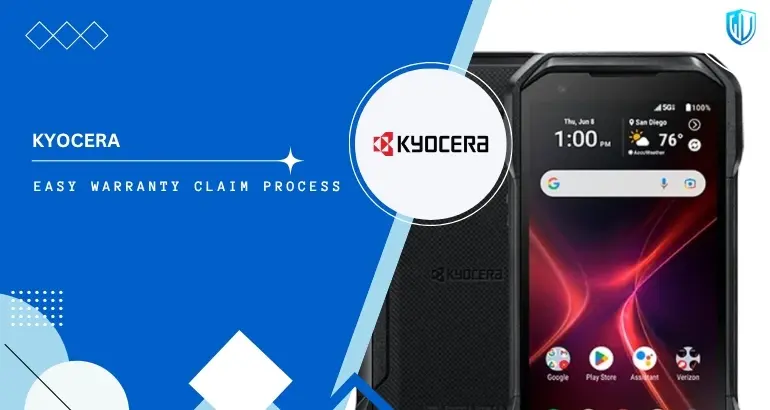
Kyocera Mobile offers a standard 2-year limited manufacturer's warranty on most rugged devices, covering defects in materials, workmanship, water intrusion, and battery performance.
Kyocera Contact Information:
Contact Address
6 Takeda Tobadono-cho, Fushimi-ku, Kyoto 612-8501, Japan.
Useful Links:
What is covered under the Kyocera Warranty?
These are covered in Kyocera Mobile's warranty policy
- Material & Workmanship Defects: Internal hardware failures or production errors present from the factory.
- Authorized Service: Kyocera will, at its discretion, repair the unit using new or refurbished parts or replace it with a similar functional model.
- Rugged Standards: Coverage for failures in the device's specialized rugged features (like seals or reinforced frames) if they fail under intended use.
- Electronic Malfunction: Issues with the motherboard, Wi-Fi, ports, or display that are verified as manufacturing flaws.
What is NOT covered under the Kyocera Warranty?
These are NOT covered in Kyocera Mobile's warranty policy
- Post-Warranty Maintenance: After the initial coverage period, users are responsible for all parts, labor, and shipping charges.
- Unauthorized Mods: Devices that have been improperly installed, maintained, or had their antennas or internal hardware modified.
- Third-Party Apps: Software or data not originally provided by Kyocera, including issues caused by third-party applications.
- Accidental Damage: While rugged, the standard limited warranty does not cover "abuse" or accidents beyond the product’s specified durability ratings.
Products of Kyocera:
Our complete claim assistance covers all Kyocera products, including:
| Product name |
|---|
| Devices |
| DuraForce PRO 3 |
| DuraSport 5G |
| DuraForce Ultra 5G |
| DuraXV Extreme+ |
| DuraXA Equip |
| Duraslate Wi-Fi Tablet |
Contact Our Claim Experts
Feel free to get in touch with our Warranty Valet® claim experts. Our dedicated staff is more than happy to assist you.
Disclaimer: Warranty Valet exclusively functions as an agent for warranty claim processing and possesses no authority or ownership of Kyocera logos or trademarks. The rights to all brand logos and trademarks remain the sole prerogative of Kyocera.